

Moving a CNC Job to Another Machine? Check What Has to Move With It
Use one interrupted CNC job to check what the planner, programmer and inspector need before the alternate machine can run the remaining quantity.
An open slot at 10:40
In this hypothetical job shop, the primary mill stops after 18 of 32 brackets are accepted. At 10:40 the planner moves the remaining 14 to an open slot on a second mill. The receiving operator sees the right drawing revision but a setup sheet that still calls for the first machine's fixture. The schedule has moved. The work has not been released.
The shop has two separate decisions to make. The planner can reserve a slot and revise the promised completion time. Before the rest can run, the people responsible for process and quality must determine what the receiving setup needs and whether the first piece meets their approved check. Keep those decisions separate in the job record.
Follow the work order to the receiving bench
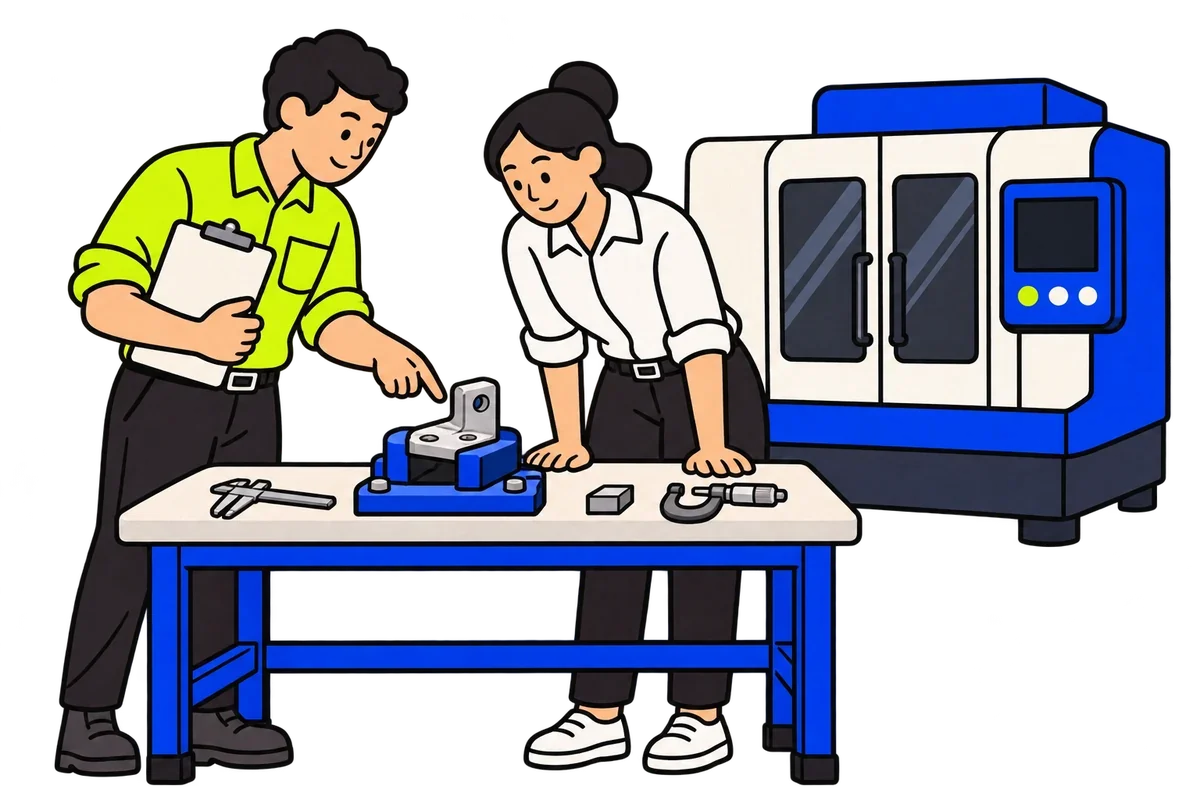
Put the open routing, issued setup sheet and current inspection record on the bench. Have the programmer identify the approved program and the compatible fixture and tooling for the second mill. Ask the operator to point to the actual fixture and confirm it is available with the setup. If it is missing, hold the transfer and keep the reason visible to planning instead of borrowing the original setup unchecked.
Microsoft's Business Central documentation provides a useful example of the difference. Its Alternate Work Center field can name an option, but the product does not automatically include that field in planning. Even if your system reserves an alternate automatically, use your shop's process and quality rules to determine what may actually run. [1]
Keep the two quantities visible
The 18 previously accepted parts retain their inspection record. Put the unfinished 14 on an identifiable tray and link it to the transferred operation, not a second open order for 32. If the receiving machine makes a first piece, the inspection lead records its result against the receiving setup. The result clears only the quantity and scope covered by the approval. If the drawing or customer terms require another approval, keep the rest on hold until it is recorded.
| Decision | Evidence | Owner |
|---|---|---|
| Reserve the second mill | Routing and remaining quantity; qualified option and open slot | Planner |
| Confirm the setup | Approved program, setup sheet and fixture present at the second mill | Programmer and operator |
| Release the remaining run | First-piece inspection tied to the receiving setup, with any required additional approval | Inspection lead under the shop's release rules |
Run the test before an urgent transfer
Use a closed or test order so no production quantity moves. Give the planner a slot, then leave the second machine's approved fixture unavailable. Have the receiving operator show what they see and the inspection lead explain what would prevent a release. A pass means the absence stays visible to planning, the accepted 18 remain accepted, and nobody can count the 14 as released by moving a date.
Then repeat with the fixture available and a first-piece result present. Ask the planner to show which evidence clears the hold. If the team can find it only by asking the operator who made the move, put that evidence next to the routing before you automate rescheduling. Quindart's high-mix scheduling guide covers the wider shadow-mode test for disrupted jobs. [2]